Set it up once, and keep a record.
Each business keeps its own data, locations and registers. Turn on the modules it needs, and sales, payments and ID checks are written to an audit log nobody can edit. Read it in the back office’s Activity log.
What it does today
6 shipped-
Each business keeps its own data
-
Locations and registers
Each location with its own time zone, set in the back office. The back office is open to clubs Ducat has set up: Ducat gives each login its access, and owners and managers save changes there.
-
An audit log
Append-only, starting with each sale a register sends. Read it in the back office’s Activity log. The back office is open to clubs Ducat has set up: Ducat gives each login its access, and owners and managers save changes there.
-
Two-step sign-in
-
Receipt header and footer
Each location’s address, contact and footer lines, set in Setup › Receipts with a preview of the receipt’s top and bottom; each change is recorded and published to the reference a register reads. Built; the register app that uses it is still being built. The back office is open to clubs Ducat has set up: Ducat gives each login its access, and owners and managers save changes there.
-
Areas inside a location
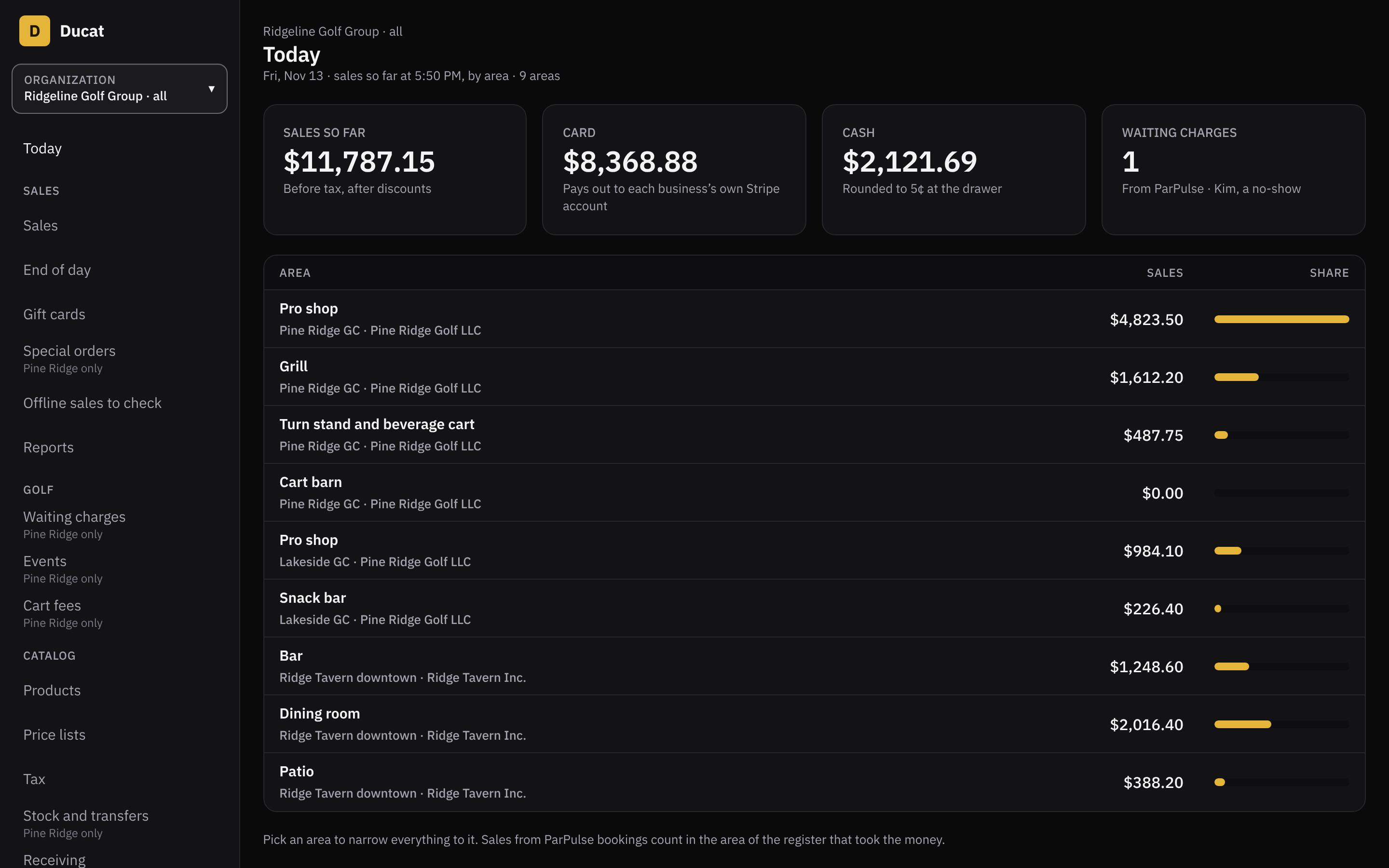
The pro shop, the grill, the cart barn: each register belongs to one, set in the back office. The back office is open to clubs Ducat has set up: Ducat gives each login its access, and owners and managers save changes there.
How it works
-
1
Set up the business
Locations with their own time zone and areas, registers, payment types and products, set in the back office. The back office is open to clubs Ducat has set up: Ducat gives each login its access, and owners and managers save changes there.
-
2
Turn on what it runs
Retail, food and drink, rentals and QuickBooks are modules, on or off per business.
-
3
Give staff permissions
Voids, price changes, refunds, opening the drawer and closing it each need a permission. The checks are built; adding your staff is next, and until then Ducat refuses them.
-
4
Keep a record
Sales, payments and ID checks are written to an append-only audit log; voids, refunds and drawer closes will be once your staff are added. Read it in the back office’s Activity log. Sign-in can require two steps.
Questions we hear
Can each business keep its own books?
Yes. Each business has its own data and its own journal, built each day. Paying each location to its own Stripe account is still being built.
Can I brand the receipts?
Each location’s receipts carry its address, contact and footer lines, set in Setup › Receipts with a preview. A logo isn’t built yet. Sending receipts comes with the register app. The back office is open to clubs Ducat has set up: Ducat gives each login its access, and owners and managers save changes there.
5 more items are being built or planned. The roadmap shows which. See the roadmap
See it with your own prices
We’ll email you when Ducat opens to new businesses.